Specialist Epson Projector
Repair and Maintenance Service
The authoritative centre for Epson 3LCD and Laser projector restoration. We execute component-level repairs and optical alignment that standard service centres cannot.

Sectors & Supported Fleets.
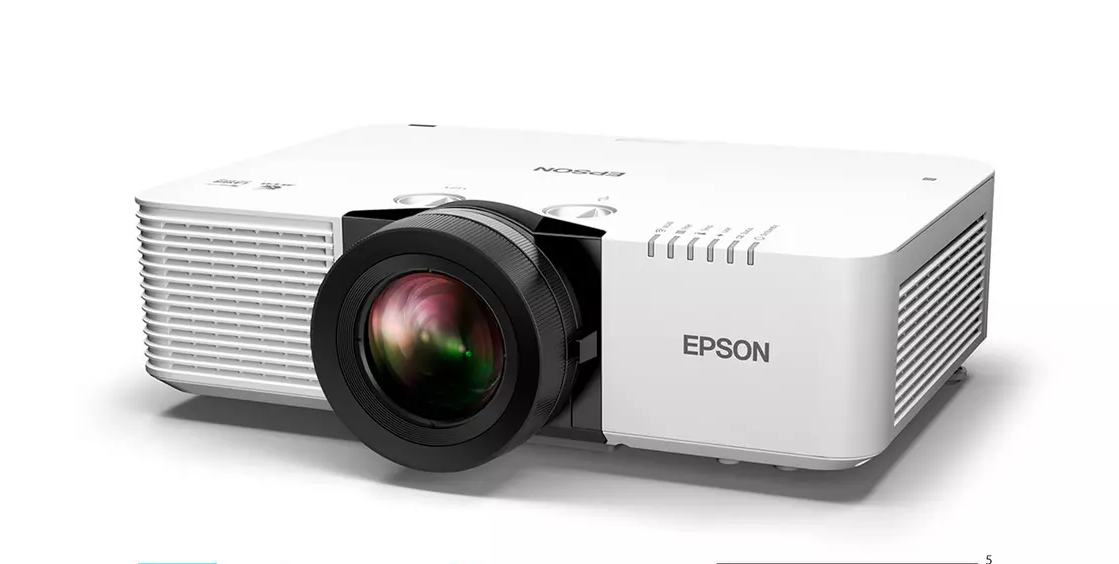
Universities
Lecture theatres and large-venue laser fleets.
- EB-L1000 Series (L1505/1755)
- EB-PU Series (PU1007/2213)
- EB-G7000 / G7905U
- EB-2250U / 2265U
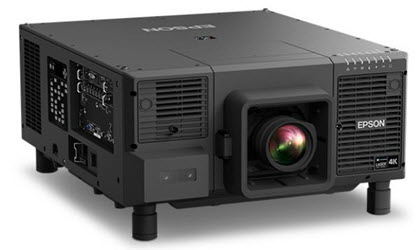
Corporate
Boardroom presentation and interactive meeting rooms.
- EB-1485Fi (Interactive)
- EB-L700 Series (L730U)
- EB-U42 / EB-W41
- EB-L200F / L200W
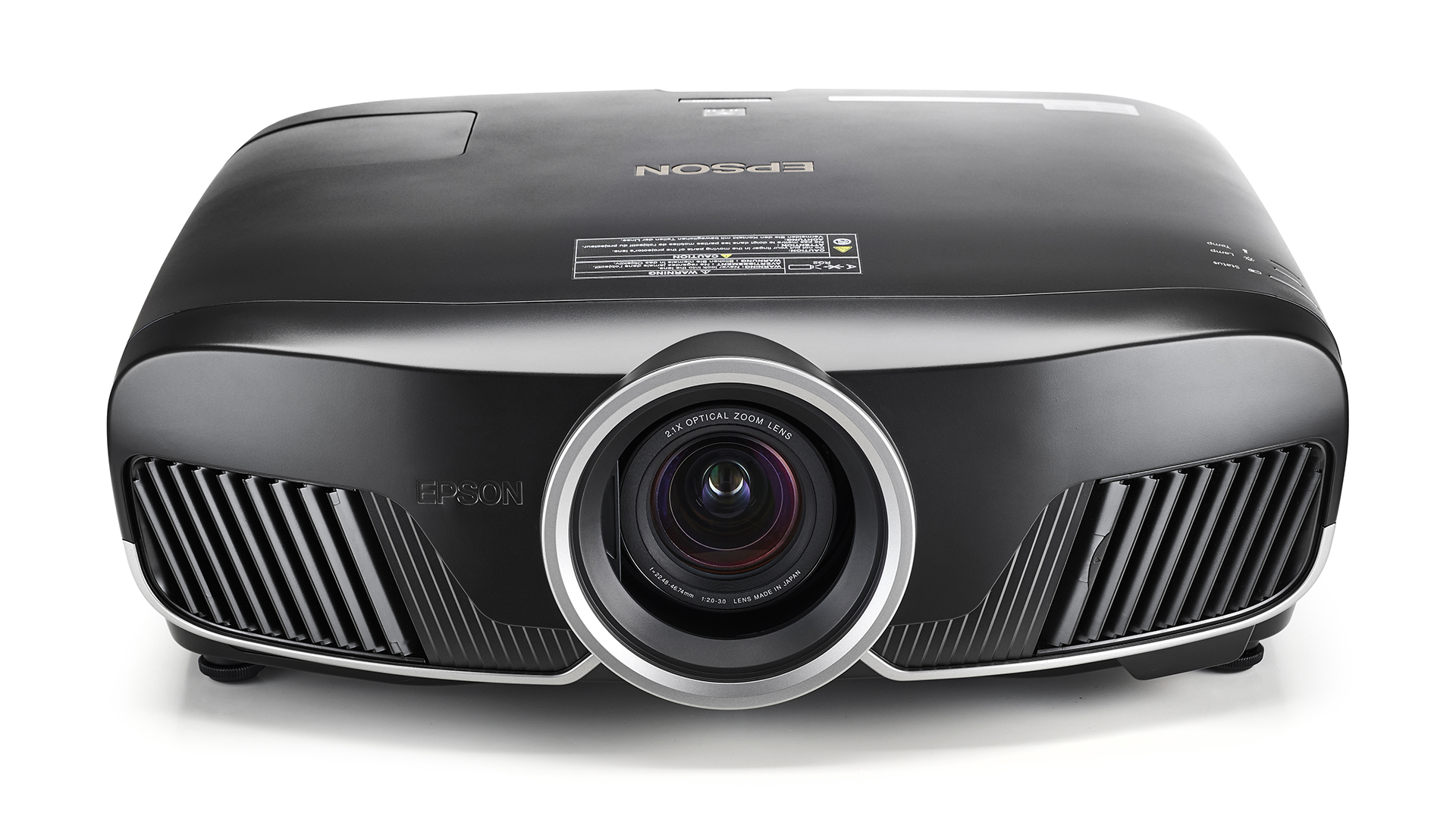
Home Cinema
4K PRO-UHD and legacy 1080p enthusiast models.
- EH-TW9400 / 9400W
- EH-LS12000B (Laser)
- EH-TW7100 / 7000
- Legacy TW3200 / 5500
Targeted Engineering.
Optical Engine Rebuilds
Resolving pink or yellow screen discolouration by replacing burnt organic polarisers with highly durable inorganic glass plates, and micro-aligning the 3LCD prism.
Fix Discolouration arrow_forwardThermal Management
Diagnostics for "Temp Light" errors, loud grinding fans, and intermittent shutdowns. We renew thermal pastes and upgrade to MagLev bearing fans.
Power & Mainboard Logic
Totally dead unit? Clicking but no light? We bypass expensive board swaps by replacing specific failed MOSFETs, capacitors, and ballast ignition coils at the component level.
Diagnose Power Faults arrow_forward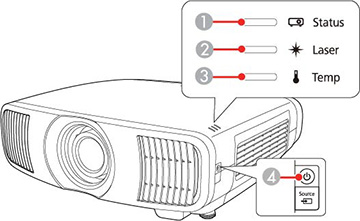
Verified Engineering Authority.
Projection equipment requires micro-metric precision. As an independent specialist laboratory, Wells Electronics Ltd operates beyond the scope of general IT repair shops. We employ IPC-A-610 certified technicians operating within ESD-safe, positive-pressure clean rooms.
With over 15 years of dedicated experience analyzing 3LCD and Laser projection architectures, we provide authoritative, component-level interventions. We identify the exact point of thermal or electrical failure, bypassing the need for costly and unnecessary sub-assembly replacements.
Class 10k Clean Room
Dust-free environments critical for optical engine and prism disassembly.
Component Rework
Advanced BGA rework stations for mainboard logic and GPU repairs.
Hydraulic Service Bays
Specialist vacuum rigs for flushing and refilling high-end laser glycol cooling loops.
Architecture Mastery.
Laser Phosphor
(EB-L & PU Series)
Epson's laser lineup is marketed as "maintenance-free" for 20,000 hours. While the laser diodes themselves are incredibly robust, the surrounding infrastructure is not immune to failure. We frequently service laser units from lecture theatres and large venues that have suffered from cooling system degradation.
Laser projectors generate significant heat in concentrated areas. They rely on complex phosphor wheels to convert blue laser light into yellow. We service the phosphor motor, liquid cooling loops, and the diffusion layers that often cloud over time.
Explore Laser Services arrow_forward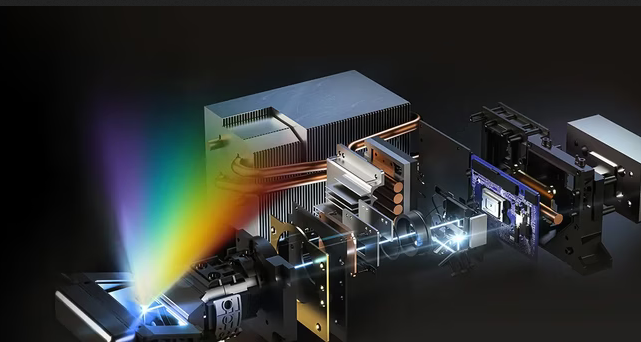
UHP Lamp Systems
(EH-TW & EB Series)
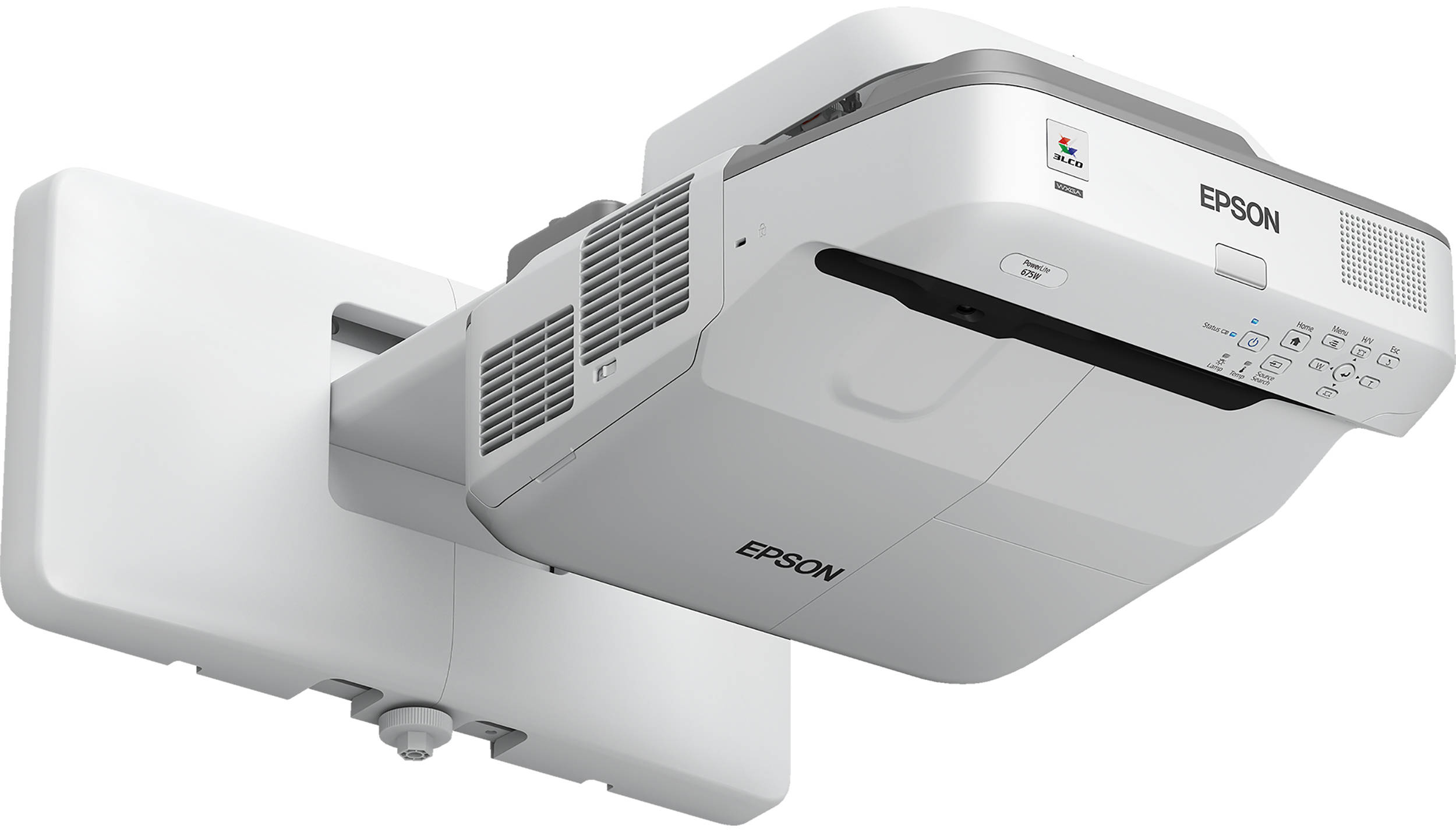
For home cinema enthusiasts using the EH-TW9400 or corporate users with EB-U series desktops, the Ultra High Performance (UHP) mercury lamp remains the standard. The most common failure we see here is not just the bulb blowing, but ballast unit failure.
If your projector makes a clicking sound when trying to start but the lamp never lights, the fault likely lies with the ballast regulation or the mainboard's opto-isolator circuit. Replacing the lamp will not fix this. We rebuild the high-voltage ignition stages to restore factory brightness.
View Lamp Services arrow_forwardThe Repair Protocol.
A clinical approach to restoring projection fidelity.
Triage
Error logging, internal memory interrogation, and "Cold Start" baseline testing.
Diagnosis
Bench teardown. Oscilloscope tracing of voltage rails and thermal camera PCB inspection.
Engineering
Component-level soldering, ISO-standard optical cleaning, and fluid loop pressurisation.
Validation
24-hour thermal soak cycle at max brightness to guarantee absolute stability.
Eco-Friendly
Projector Recycling.
Projectors contain hazardous materials like mercury (in UHP lamps) and glycol coolant (in laser units). We operate a strict Zero-to-Landfill policy. If your Epson projector is beyond economical repair, we offer a certified recycling and recovery programme.
Component Harvesting
Viable optical blocks, lenses, and ICs are recovered, tested, and stored to keep legacy projectors running worldwide.
Hazardous Extraction
Safe depressurisation of liquid cooling loops and isolated disposal of mercury-vapour lamps via licensed WEEE facilities.
Material Recovery
Chassis ABS plastics, copper heatsinks, and aluminium shielding are separated and sent for raw material melting.
Client Success Stories.
Saved us £6,000 on replacement.
"Our EB-L1505U laser projector in the main boardroom kept shutting down after 10 minutes with a temp error. Epson quoted a fortune for a full chassis swap. Wells Electronics took it in, flushed the liquid cooling loop, and replaced the main pump. It has run perfectly for 6 months since."
David J.
IT Director, Financial Services
Yellow tint completely gone.
"I was about to throw away my beloved EH-TW9400 because the left side of the screen had a huge yellow burn mark. The team collected it via DHL, fitted a new inorganic blue polariser, and realigned the prism. The colours are literally factory-fresh again. Exceptional technical knowledge."
Mark S.
Home Cinema Enthusiast
Reliable fleet maintenance.
"We send pallets of 'dead' classroom projectors to the Doncaster lab every summer. They repair the ballasts, clean the optics ultrasonically, and return them working like new. Their 'No Fix, No Fee' diagnostic process makes budget approval extremely straightforward for the university."
Sarah P.
AV Estates Manager
Trusted by Estates & Venues
From replacing burnt polarizers in classroom fleets during summer recess, to emergency overnight mainboard swaps for corporate boardrooms. We provide the technical backbone for AV integrators and direct clients alike.
-
check
Education Fleets Bulk servicing for EB-W, EB-X, and interactive EB-700 series.
-
check
Corporate & Boardroom High-brightness EB-2000 and EB-L500/600 series maintenance.
-
check
Large Venue & Rental Complex repairs for EB-G, EB-Z, and EB-PU laser platforms.